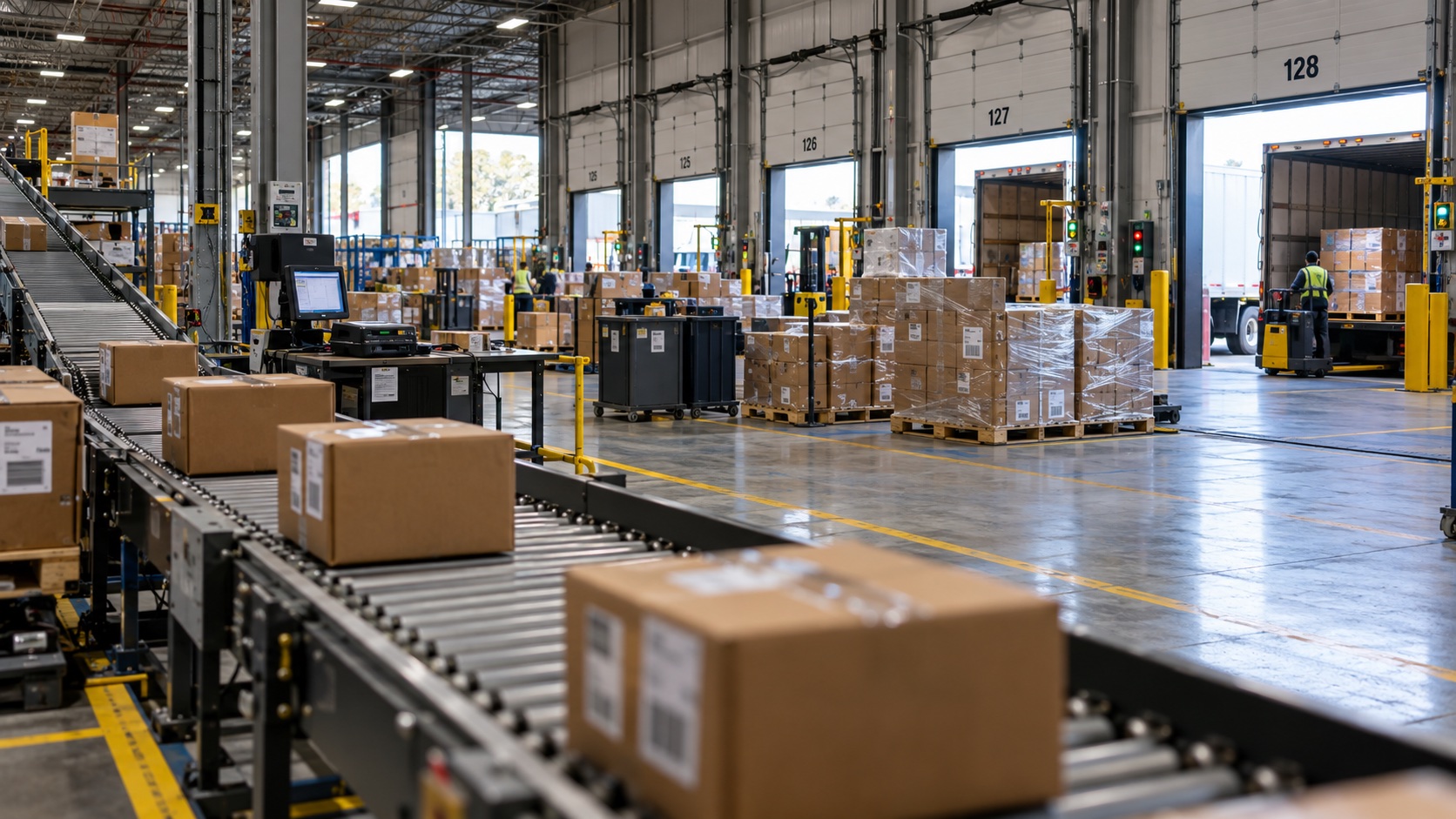
At 9:12 a.m., an order drops into ALLOCATION HOLD because one of its lines can't reserve inventory. The rest of the wave releases. That order doesn't.
By late afternoon, customer service is asking why it hasn't been picked. The order has spent more than six hours in the same ALLOCATION HOLD status. Nothing shows up in the pick dwelling report because the WMS never created pick tasks to begin with. The order just stopped moving, and no one was responsible for getting it moving again.
This is where warehouse exception management often breaks down. The WMS records the exception correctly, but the status becomes the last action instead of the start of a recovery process.
Warehouse Exception Management Starts With Elapsed Time
Exception codes are useful. They tell the operation what broke the normal order flow.
A short pick usually creates one exception type. A failed address validation, missing carrier service, inventory hold, or allocation problem typically creates other exceptions. Keeping those reasons visible prevents teams from pushing an order downstream when something still needs to be resolved.
The problem comes when the operation manages exceptions by looking only at the code and the number of open orders.
A queue with ten exceptions might look manageable. But those ten orders aren't equally urgent. One could be ninety minutes from today's carrier cutoff, while the other nine don't ship until tomorrow.
That urgency should drive the work.
An exception queue becomes much more useful when it shows both how long the order has been sitting and how much time remains before the customer commitment is at risk.
Microsoft's work exceptions log documentation shows how a short pick can create a work exception and how open exceptions can surface in outbound monitoring. The WMS can record what happened, but the warehouse still needs a process for deciding who owns the issue, how long it can sit, and what should happen next.
This is also where outbound optimization goes beyond pick paths and labor rates. Orders can stop during allocation, wave release, picking, packing, or carrier confirmation. Each handoff creates a point where work can sit even though the order hasn't technically missed anything yet.
The operation needs to see that recovery window.
Some Holds Are Doing Exactly What They Should
An aging order isn't automatically a bad order.
A hazmat shipment missing required paperwork should stay blocked. So should an address that failed validation, a high-value order waiting for approval, or inventory that is under investigation.
Those holds are protecting the operation.
The difference is that a controlled hold has boundaries. Someone owns the next decision. The team knows what needs to happen before the order can move. There is also a time when the issue needs to escalate because the ship commitment is getting close.
Anyone opening the order should be able to understand its status without starting the investigation from scratch.
This is why blanket targets such as "clear every hold within thirty minutes" can create their own problems. Teams start releasing orders before the cause is resolved, clearing exception codes simply to reduce the queue, or moving the real investigation into email or chat.
The dashboard may look cleaner, but the risk is still there.
Some exceptions also require help from another team. Inventory control may need to verify a location after a short pick. Customer service may need approval for a substitution. IT may need to investigate a carrier message that failed after packout.
The warehouse supervisor doesn't have to personally fix every exception. But there should be a clear owner for the next action and a time when that action is due.
Status Becomes Dangerous When It Replaces Ownership
WMS statuses are good at describing system state. They aren't always good at telling the operation what to do about it.
"Partially allocated" is a good example.
That status might mean the warehouse is genuinely short on inventory. It could also mean inventory exists but is in the wrong status, sitting in a location that isn't allocation eligible, tied up in another reservation, or blocked by item configuration.
Those causes look similar, but the investigation behind them is very different.
Broad hold statuses create the same issue at a larger scale. Fifty orders may appear under HOLD, but only five may threaten today's carrier cutoff. If a supervisor has to open all fifty orders individually to figure that out, the queue isn't doing much to help.
The information needed to route the work should already be visible.
Consider an order that enters the WMS shortly after 8 a.m. Seven minutes later, allocation fails on one line and the order stays out of the wave.
Picking never sees it because the WMS doesn't release the work.
Packing has nothing to chase because no container arrives.
Shipping doesn't know there's a problem because the order never reaches the dock.
Then, around 4:15 p.m., customer service asks why a same-day shipment hasn't gone out.
By that point, the warehouse has fewer options. A supervisor may need to break normal wave flow, send someone to manually pull the order, expedite the shipment, or explain the miss to the customer.
Exception reports rarely capture that additional labor. The operation can't manage recovery work it doesn't measure.
Build an Order-Aging View Supervisors Can Actually Work
A useful order-aging queue doesn't need every attribute in the WMS.
It needs enough information for the supervisor to see which orders are at risk, who should handle them, and what needs to happen next.
At minimum, the view should include the following fields.
- Order and client. Identify the shipment and any client-specific service commitment that affects priority.
- Current state and state-entered time. Show where the order stopped and when it entered that state.
- Promised ship time or carrier cutoff. Make the remaining recovery window visible.
- Exception reason. Keep the WMS code, but add a plain-language explanation where needed.
- Named owner. Assign responsibility for the next action, even when another team is needed to complete the fix.
- Next action and due time. Show what should happen next and when escalation is required.
- Last activity. Make it clear whether someone already investigated, reallocated inventory, contacted the client, or attempted another recovery step.
The first version doesn't need to be a custom application.
A WMS export joined to order promises and carrier cutoff data can be enough to test the process. Refreshing it every thirty minutes is usually enough at the beginning.
The goal is to find out whether better visibility changes decisions on the floor before investing time in a more sophisticated tool.
Order-Aging Diagnostic
Five Order States That Need an SLA Clock
Use the state to choose the first investigation. Use the customer clock to choose the order.
These are starting points, not diagnoses.
A "waved, no pick start" order doesn't automatically mean picking has a labor problem. Work may never have reached the associate's device. The task could be sitting unassigned, the zone could be paused, or another workflow rule may be preventing release.
The queue should help the supervisor know where to look first.
Run the Queue on the Clock the Customer Feels
Simple aging buckets can be misleading.
A four-hour-old order may be perfectly healthy if its cutoff is tomorrow. A rush order that has been sitting for twenty minutes may already need attention.
The most useful priority is usually the time remaining before the shipment commitment is at risk. State age then helps explain why the order hasn't moved.
Review cadence should match the operation.
A same-day fulfillment operation might review aging orders at shift start, before major wave releases, and again ahead of carrier close. A lower-volume warehouse may not need that frequency.
The important part is catching the issue while there are still realistic recovery options.
The exception queue should also sit close to the active wave view. Warehouse dashboards built for operators are useful when the signals lead to decisions.
A large red number showing "27 exceptions" doesn't tell a supervisor what to do.
A list showing five orders with less than an hour until cutoff, the owner of each issue, and the next required action does.
Use Missed Orders to Find Where the Clock Should Start
There is no need to build a complicated exception framework before knowing which states are creating service failures.
Start with recent misses.
Pull ten days of late or expedited orders and reconstruct their status history. Look for the point when each order first stopped progressing normally. Then identify the last point when the warehouse still had a reasonable chance to recover it.
Patterns usually become easier to see once the timeline is laid out.
If repeated misses come from allocation holds, the next investigation may belong in inventory status, reservation logic, replenishment, or item setup.
If orders consistently finish picking and then sit before packing, the problem may be pack capacity, container-close rules, audit requirements, or another handoff in the process.
If packed orders repeatedly wait for manifest, the issue may sit with carrier configuration, label generation, weights, or an integration response.
The exception queue helps protect today's shipments. The history behind that queue tells the team where process, configuration, or system changes are needed.
A Status Should Start a Recovery Clock
A good exception stops an order from moving when the conditions aren't right.
It should also start a process.
Someone needs to know the order is waiting, why it stopped, what should happen next, and how much time remains before the problem becomes a service failure.
Most WMS platforms already capture much of the sequence needed to do this. They record status changes, work creation, inventory events, allocation results, and other transaction timestamps.
The harder part is turning those events into something the operation can act on during the shift.
Connect the status time to the customer promise. Give the next action an owner. Escalate while there is still enough time to recover the shipment.
Once that happens, the exception queue stops being a list of problems and becomes a tool for running outbound execution.